Reviewing diffs
When Happo finds diffs, it's up to you to either accept or reject that diff. The diffs are presented in a Happo report, and the UI looks something like this:
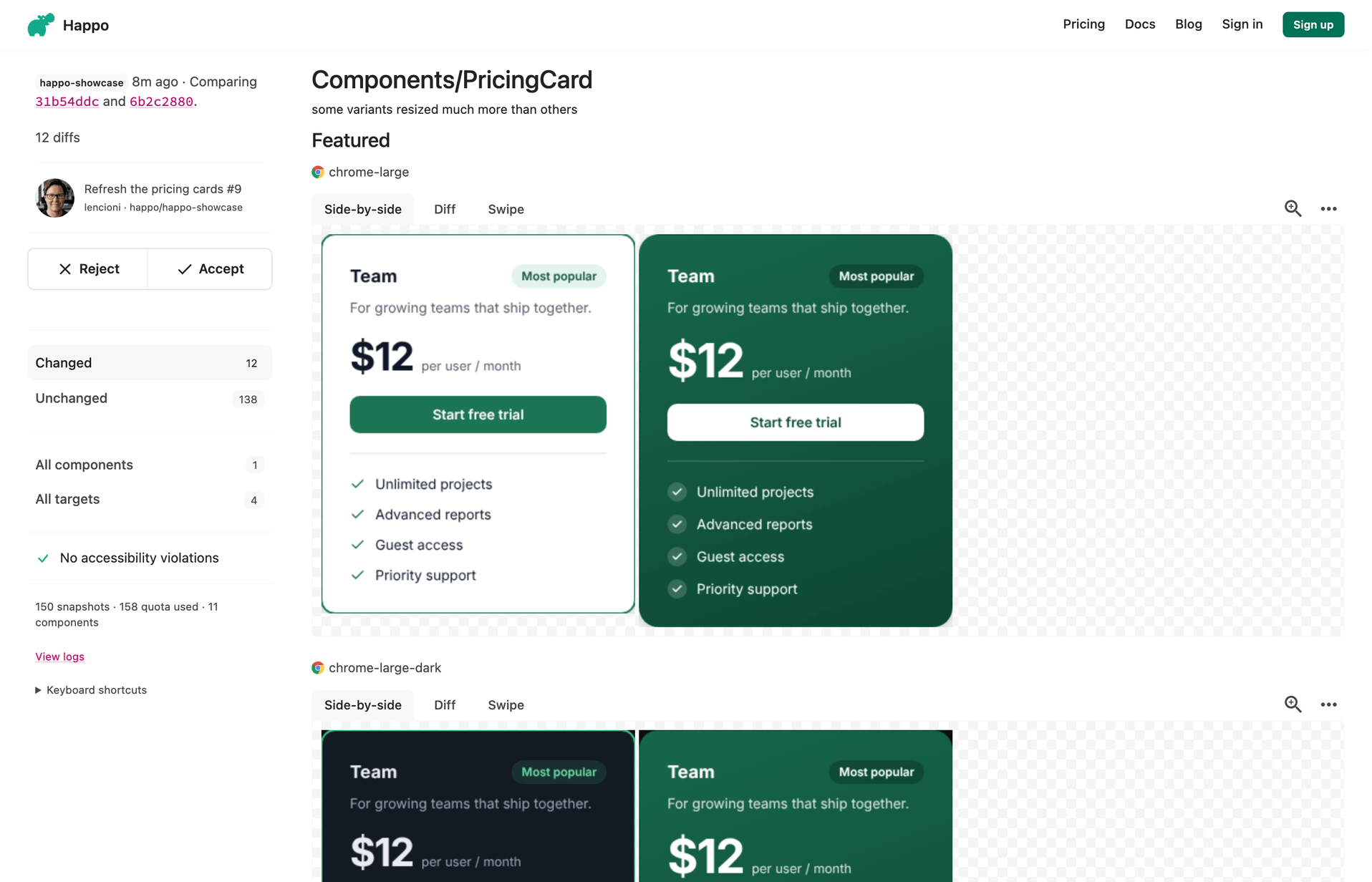
A redesigned compare page is available as an opt-in. On it you accept or reject each diff on its own, diffs that made the same change are grouped into one, and your decisions carry over to later commits on the same pull request. A new dashboard comes with it. There are two ways to turn it on:
- For yourself. The compare page shows an invitation to try the new experience. Accepting it switches the page for you only, and you can switch back from the account menu on the new page.
- For the whole account. Account admins can turn it on, and off again, under "Experimental features" on the account page.
The announcement post describes the new page in full. The rest of this page describes the classic compare page.
Accepting/Rejecting a report
Diffs are presented on the right, and on the left you have a sidebar with some filters and a "review" panel that looks like this:

This is Happo asking you to manually review the diffs on the page and either accept or reject them. By accepting, you signal to others that the diffs are expected, or at least okay from a design standpoint. The component will then switch to this:

By rejecting, you signal to others that the diffs aren't okay, and that the change shouldn't be merged.

If you have the right CI setup, the accept/reject status will also be posted back to the PR/commit on github.com.
Alerts
In rare cases you will see an alert message at the top of the compare page informing you about updates made. This is Happo informing you about changes made to internal infrastructure that might affect the screenshots and cause diffs. These could be e.g. browser updates, internal bug fixes, etc.
Happo records which version of its renderer took each report's screenshots. When the "before" and "after" reports were rendered differently, the alert names the targets affected and, where it knows them, the browser versions on each side. Targets rendered the same way on both sides are left out. When it can, Happo renders the "before" report again the way the "after" report was rendered before comparing them, so the diffs come only from your change, and no alert is shown for those targets. For older reports that don't record this, you'll be alerted about changes that were made in the timespan between when the "before" report and the "after" report were created.
